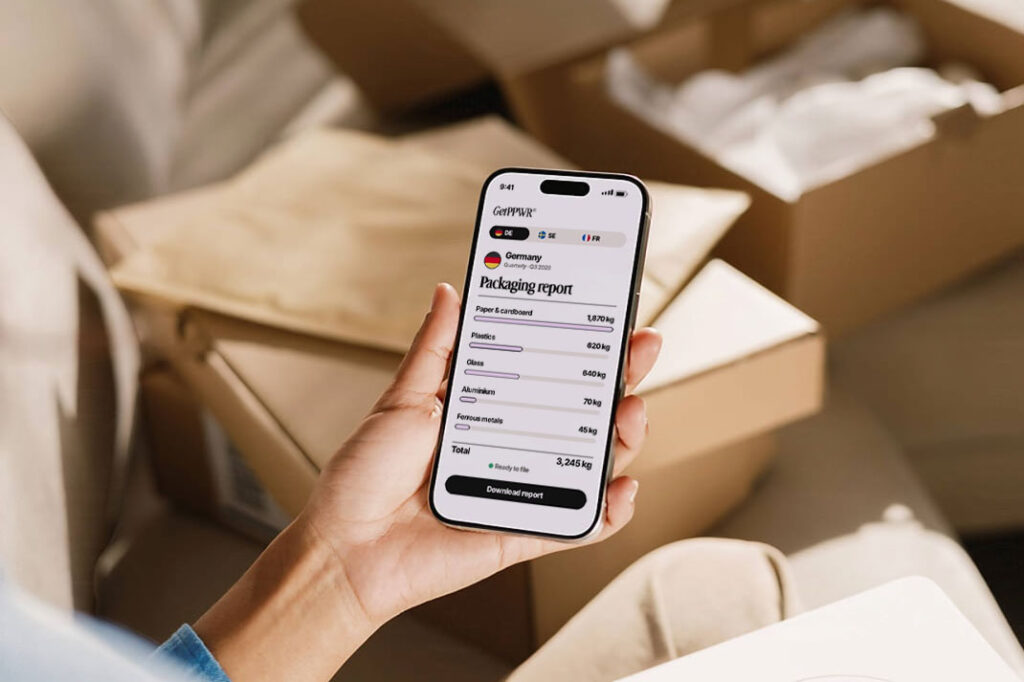

What does your report actually need from Shopify?
Two things: what you shipped where, and what it was packed in.
Shopify already knows the first part. Your orders say what went to which country. The second part, your Shopify packaging data, is missing. There’s no field in Shopify for “180 g of glass, 12 g of aluminium and 3 g of paper”.
And no, the product weight field doesn’t cover it. That’s the weight Shopify uses for shipping rates, not your packaging split by material. Every country wants the materials.
And keeping these records isn’t optional or something for later. Since 12 August 2026, PPWR requires it. The one exception is a store that buys all its packaging and products from suppliers in its own country and only sells there.
Wait, which packaging counts?
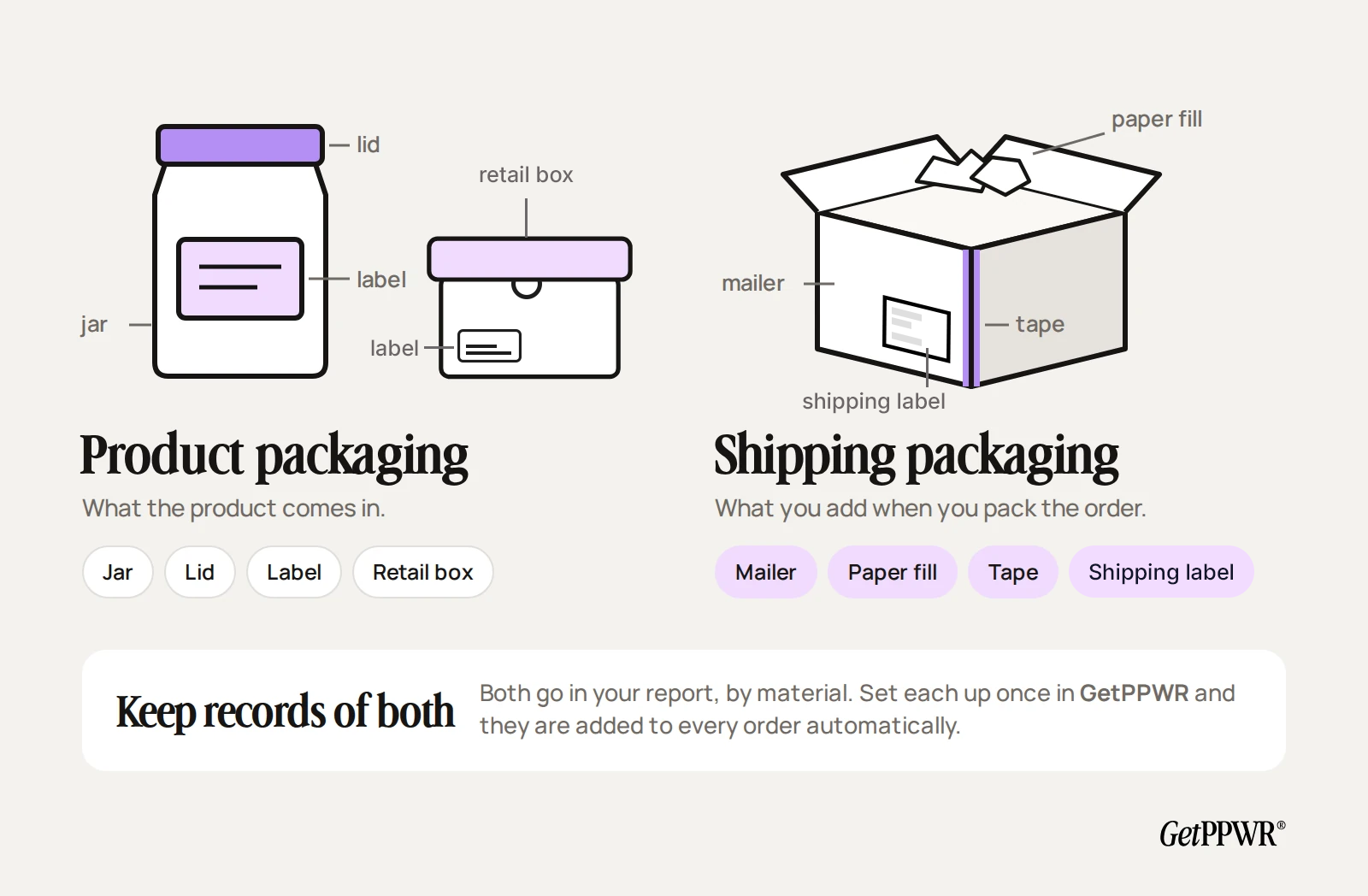
Both kinds:
- Product packaging is what the product comes in. The jar, the lid, the label, the retail box.
- Shipping packaging is what you add when you pack the order. The mailer, the paper fill, the tape.
Shipping packaging is the one people forget. It isn’t part of the product, but it’s still packaging, and it goes into your report the same way.
Why not just use a spreadsheet?
You can. Most shops start there: one row per product, one column per material, weights typed in by hand. It works fine for 20 products.
Then real life happens:
- You have 400 products, and most of them share the same five jars.
- You add a new product and forget the row.
- Your supplier switches to a lighter jar.
- A product you archived last spring still shipped in the period you’re reporting.
The shortcut: describe the packaging, not the product
Here’s the thing. Most shops use a handful of packaging types across a lot of products. So instead of filling in every product, you describe each packaging type once and let a rule do the rest.
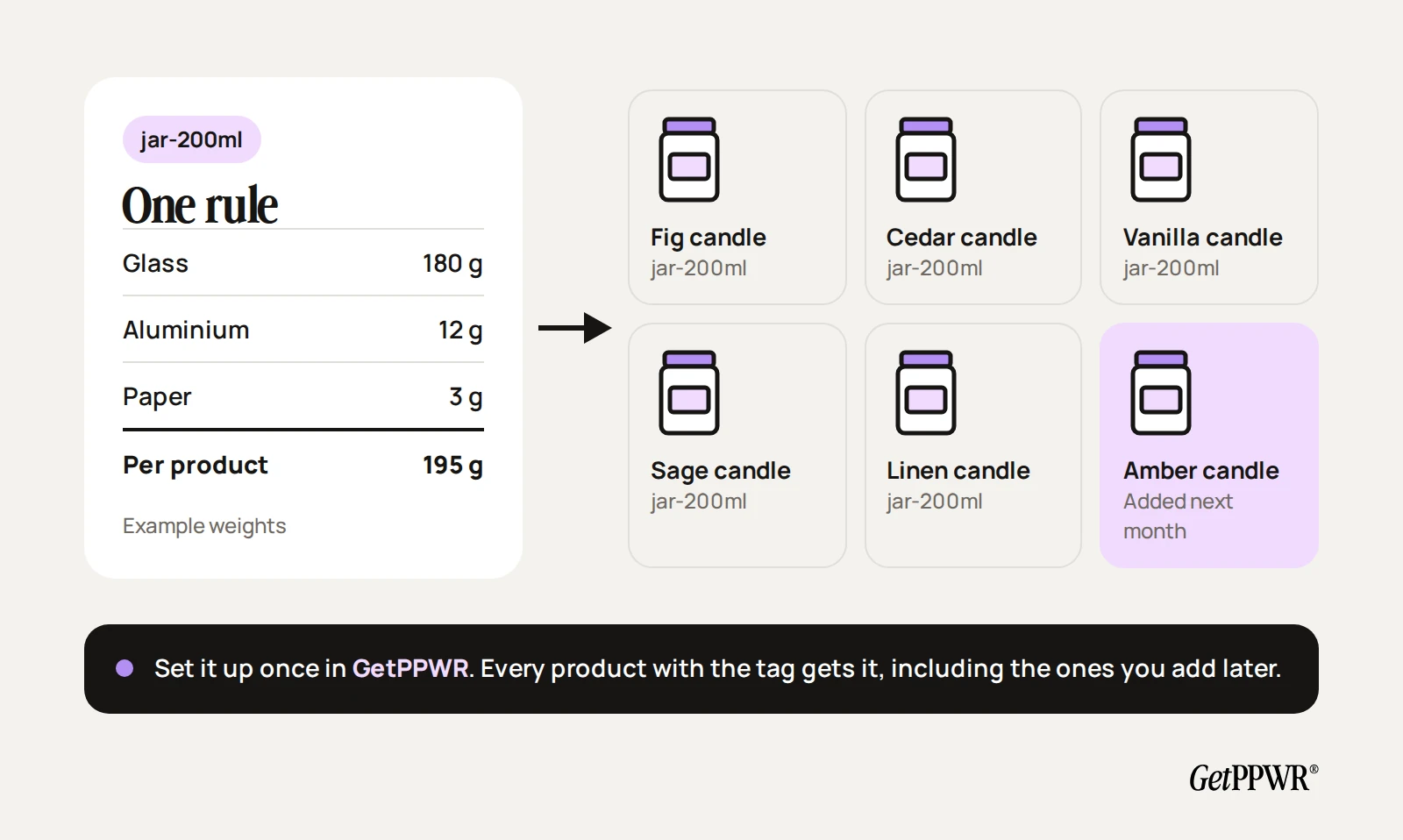
- Weigh each packaging type once, by material. Take the jar, lid and label apart and weigh each piece in grams. A kitchen scale is fine.
- Group your products. Use a Shopify tag or product category. Say,
jar-200mlfor every candle in the 200 ml jar. - Create one automation per packaging type. For example: glass 180 g, aluminium 12 g and paper 3 g, for everything tagged
jar-200ml. - Add your shipping packaging. Your mailers and fill, by material and box size.
- Handle the odd ones out. The gift set in the big box gets its own packaging. The rule for everything else stays as it is.
- Check for gaps. GetPPWR flags any product that has no packaging, so nothing slips through.
Here’s what one rule looks like for a candle shop:
| Packaging part | Material | Weight |
|---|---|---|
| Jar | Glass | 180 g |
| Lid | Aluminium | 12 g |
| Label | Paper | 3 g |
| Every candle tagged jar-200ml | 3 materials | 195 g |
Note: Example weights. Weigh your own packaging, one part and one material at a time.
That’s it. New products with the same tag get the packaging automatically. Drafts and archived products are included too, so something you stopped selling still counts for the orders it shipped in.
What if my packaging changes?
It will. Suppliers change, jars get lighter, you swap plastic mailers for paper ones.
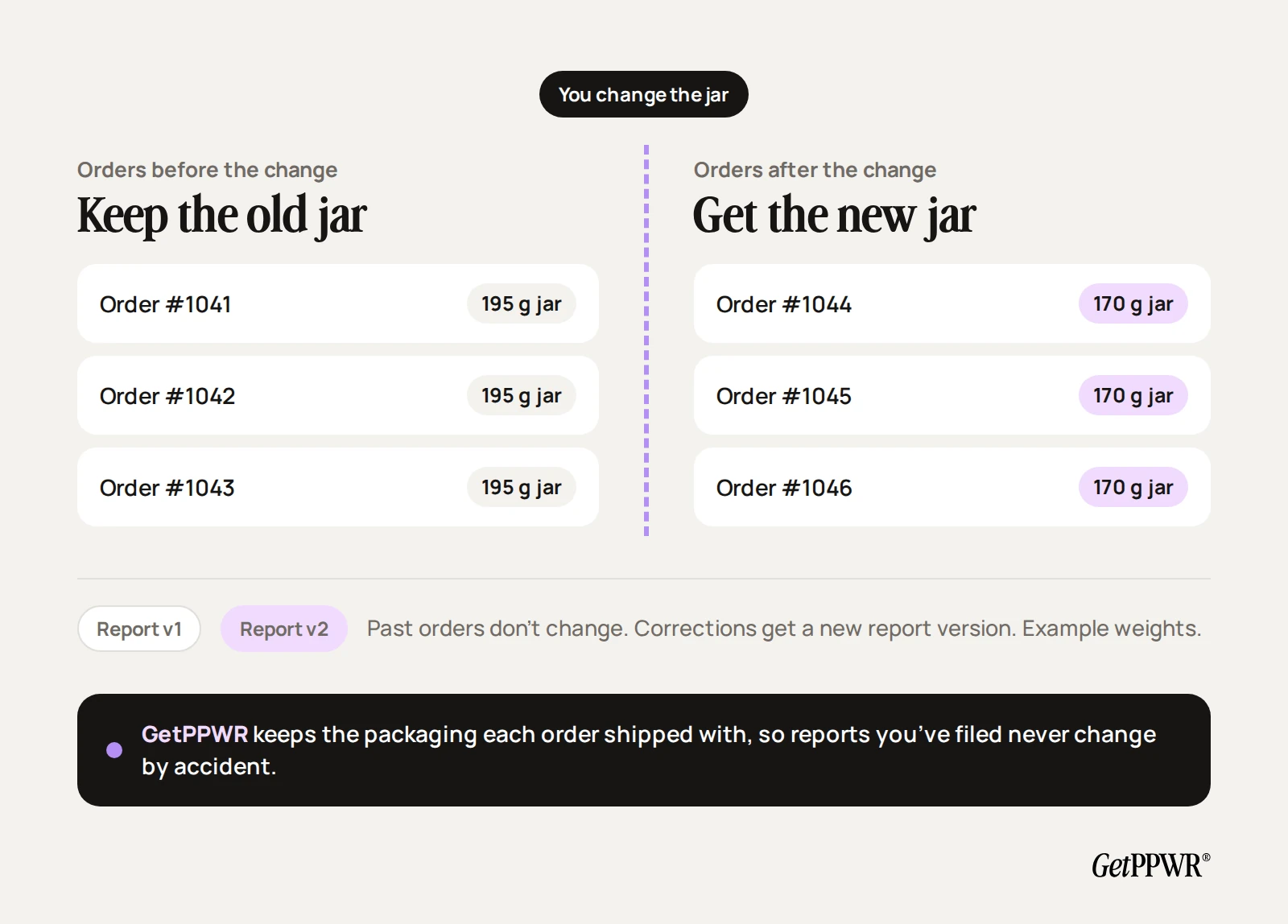
Here’s the catch with most setups: change the data, and last year’s numbers quietly change with it. Not great when you’ve already filed.
In GetPPWR, every order keeps the packaging it had on the day it shipped. When you change something, you choose what the change applies to. Found a mistake in an earlier period? Make a backdated correction. Every report gets a version number, so you can always see what changed and when.
I’ve been shipping for months already. Now what?
No problem. The same automations run across your past Shopify orders, fill in the gaps and work out your totals by material and country. No rebuilding your order history by hand.
Worth doing now rather than later. The reporting has applied since 12 August 2026, and by 12 February 2027 every EU country must have its PPWR penalties in place.
Which reports does GetPPWR write?
All of them. A report for each of the 27 EU countries you ship to, plus your home country’s EPR report, the producer responsibility report. GetPPWR recognises packaging you bought from suppliers in your own country and leaves it out of your home EPR report, because your supplier has already put it on your home market.
How much does it cost?
Automations are included in every plan. Basic has one product automation and one shipping automation, Grow has five of each, and Advanced and Plus are unlimited. Every plan starts with a 7-day free trial.
New to all this? Start with PPWR vs EPR, in plain English. Not sure which countries you need to report in? Take the 2-minute quiz.
Quick answers about Shopify packaging data
Can I use Shopify’s product weight for EPR reporting?
No. It’s your shipping weight, not your packaging by material, and reports are filed by material.
Do I have to weigh every product?
No. Weigh each packaging type once. Products that share packaging share the data.
Does the shipping box count?
Yes. Mailers, fill and tape are packaging too.
What happens if I change packaging mid-year?
Orders keep the packaging they shipped with. The change applies from the point you pick.
Does GetPPWR file my reports?
No. GetPPWR writes each report in the country’s own format. A registered representative files it, and we work with Lizenzero for that.